A home service call overflow plan gives callers a real path when your office or technicians can’t answer. Set clear times or conditions for backup coverage, decide what the caller should be asked, define who gets each message, and test the handoff. Your own call logs should set the trigger, since every company’s busy periods differ.
Find the calls your team is missing
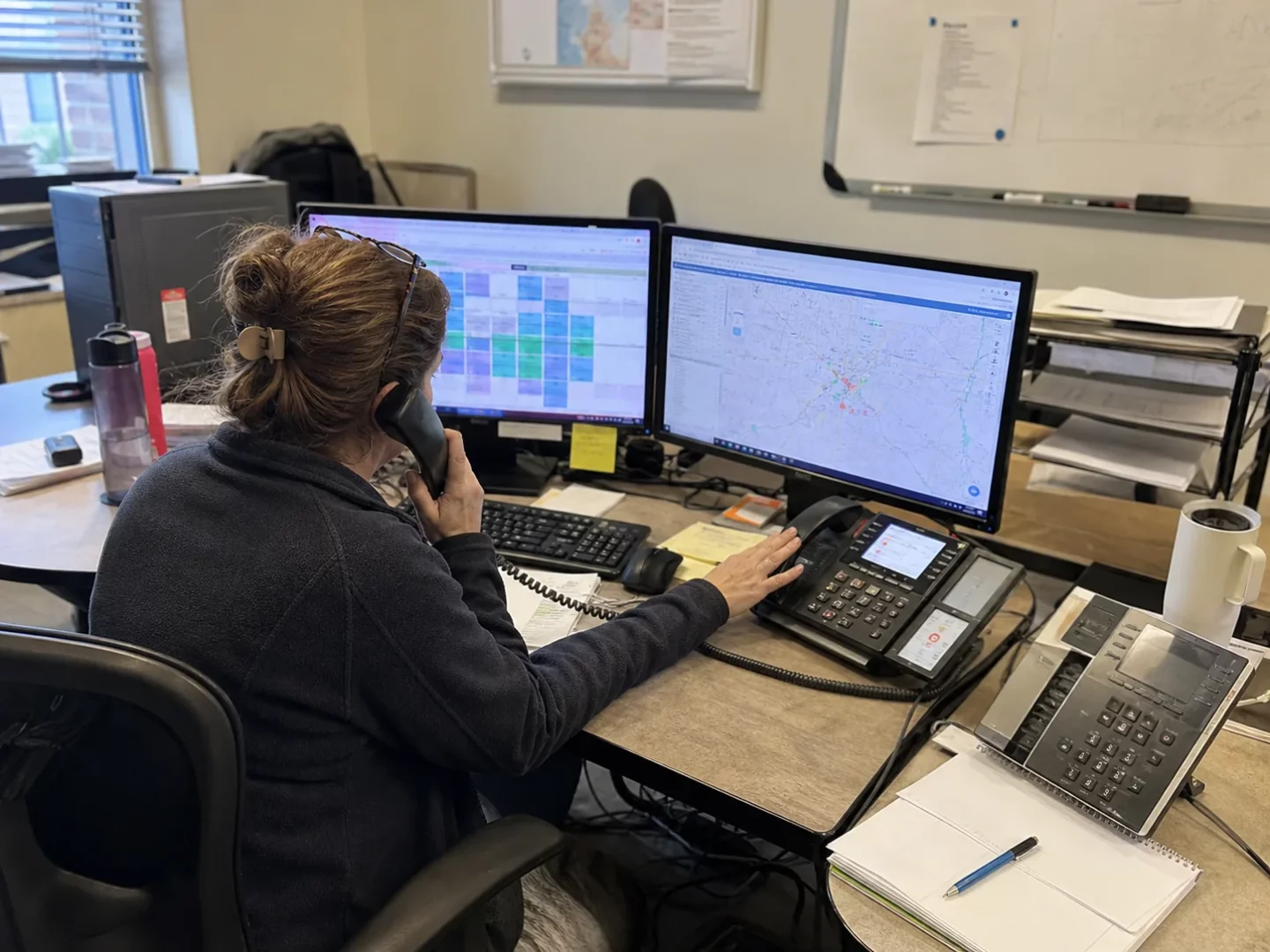
Start with the phone records you already have. Look back far enough to include normal weeks and unusual demand, such as severe weather, a holiday period, or a promotion. You’re looking for patterns that make calls hard to answer.
Check these points for each day and time block.
- Calls that went unanswered
- Calls that rang while everyone was already on a call
- Calls that came in before opening, after closing, or on weekends
- Calls that ended before someone picked up
- Call reasons, if your team records them
- The staff member or technician who was meant to follow up
Don’t choose a coverage rule based only on a feeling that phones are busy. A single missed call may be a one-time issue. Repeated missed calls during the same windows point to a staffing gap or a need for backup.
Use call records to separate urgent service requests from price-shopping, vendor calls, and wrong numbers. That split helps you decide what an overflow team needs to handle live and what can become a message for later.
Research from Invoca’s 2026 home services lead conversion report examines live conversations and missed-call patterns. The report suggests using missed-call data to spot peak times, adjusting coverage, and pausing ads when your team can’t take calls. Your results may differ, but the planning step is useful. Match your marketing and phone coverage to what your team can actually handle.
Set a home service call overflow trigger your team can follow
A trigger is the point when a call goes to backup coverage. Keep it simple enough for everyone to understand. The best trigger depends on your team, phone setup, and service hours.
Choose triggers based on real conditions
You might send calls to overflow coverage when the office is closed, when all office lines are busy, or when a call has rung for the number of rings your team has chosen. You may also use a schedule for known busy periods, such as Monday morning, a heat wave, a storm, or a technician meeting.
Write the rule in a few plain sentences. Avoid rules that force staff to guess. Here is the kind of decision your plan should settle.
- Which hours get live backup coverage
- What happens when the office is open but staff are tied up
- Whether calls from paid ads follow the same route
- Whether a technician’s direct line can roll over when they are working
- Who can turn overflow coverage on or off during unusual demand
If you use Google Local Services Ads, speed matters for those leads. Google Local Services Help says leads can arrive by phone, message, or booking request and recommends responding as soon as they arrive. Its responsiveness guidance applies to Local Services Ads, so don’t treat it as a ranking rule for every lead source.
Decide what the backup receptionist should do
Overflow coverage works best when it has a defined job. A caller shouldn’t have to repeat the whole problem later because the first person only wrote down a name and number.
Give your backup team a short script and clear limits. The goal is to gather the details your dispatcher needs without making promises that the office has not approved.
Collect the details needed to route the call
For a home-service request, a useful intake usually includes the caller’s name, callback number, service address, service needed, and a brief description of the problem. Ask how soon they need help and whether anyone is in immediate danger.
For an existing customer, the receptionist can ask for the appointment date, address, and the reason for the call. That gives the office enough detail to find the job and reply without making the customer start over.
Use your own service-area rules. If a caller is outside the area you serve, the script should say what to do. The same goes for services you don’t offer. A clean handoff is better than an unsupported promise.
Write emergency rules before the phone rings
Some situations need a different response. List the situations your business treats as urgent and identify who receives those messages. Include an alternate contact when the first person is unavailable.
Be specific about what the receptionist may say. They can confirm that the request was sent to the right person if that is true. They shouldn’t give an arrival time, quote a price, or promise a same-day visit unless you have supplied approved rules for it.
If someone is trapped, there is a fire, or there is smoke, tell them to call 911 first. Put this instruction in the emergency part of the script so it isn’t missed during a rushed call.
Make appointment rules clear before scheduling
Scheduling can save your office time, but only when the person taking the call knows what time slots they can offer. Decide whether overflow coverage can book appointments, request a preferred time, or only send the lead to dispatch.
If scheduling is allowed, provide a current calendar, service-area limits, job types, and appointment windows. State when approval is needed. A technician may need to review calls involving a specialized repair, a site condition, or an urgent request before anyone sets a visit.
Also decide what confirmation the caller receives. It might be a booked time window, a callback promise approved by your business, or a message that dispatch will contact them. Keep the wording consistent across office staff, technicians, and overflow receptionists.
Send each call outcome to the person who can act on it
A call is only useful if the right person sees it soon enough to respond. Map each type of call to an owner. New leads may go to a dispatcher. A customer waiting on a technician may go to the assigned technician and the office. Billing questions may go to an office contact.
Your routing plan should answer four questions.
- Who receives the message first
- How they receive it
- What happens if they don’t confirm receipt
- Who owns the next customer contact
Choose delivery methods your team actually checks while working. We Answer states that job notifications can be sent through WhatsApp, email, SMS, or more than one channel. Its Answering Services can also support business, after-hours, 24/7 live, bilingual, virtual receptionist, and appointment-scheduling needs for home-service companies.
Keep sensitive customer details limited to the people who need them. Review access when roles change. Your backup team also needs updated notes about closures, promotions, service changes, and temporary schedule changes. Old information can create a bad customer experience even when the call is answered.
Give the overflow team a one-page call playbook
Long manuals are hard to use in a live call. Put the most important information into a one-page playbook that is easy to update. It should give a receptionist the facts needed to answer common questions and route the rest.
Include these items in the playbook
- Your business name and how you want calls answered
- Services you offer and services you do not offer
- Service-area boundaries or a process for checking an address
- Current business hours and holiday changes
- Questions to ask for each common service type
- Approved scheduling rules and calendar access steps
- Urgent-call rules, contacts, and backup contacts
- Message categories and where each category goes
- Words or claims the receptionist must not use
Read the playbook aloud as if you were a caller. Check for vague phrases like “we’ll get someone out” when the business has not set that expectation. Replace them with approved wording that tells the customer what will happen next.
Test the handoff during a busy window
Don’t wait for the biggest rush to find a broken step. Start with a limited test during a known busy period or after-hours window. Place test calls from more than one phone if possible. Try a new service request, an existing appointment question, and an urgent situation that does not involve immediate danger.
Check the full path. Did the call route to the backup team? Were the right questions asked? Did the message go to the correct person? Could that person open the message and understand what action was needed? Did the caller receive only information your company approved?
After the test, fix one issue at a time. Then check missed-call reports and message records each week at first. Look for calls that had no owner, details that were missing, or call types that need a better script. Review again whenever your hours, staff, services, or calendar rules change.
FAQs
Should overflow coverage answer every type of call?
It should have instructions for every call type, but that doesn’t mean it must solve every issue live. Vendor calls, job applicants, sales calls, and billing questions can follow separate message paths. Define those paths so a new customer request doesn’t get buried with a non-service call.
What should a receptionist say when a caller asks for a price?
Use wording approved by your business. If pricing depends on the job, the receptionist can collect the needed details and send the request to the person who provides estimates. Don’t let a backup team guess at prices, fees, or repair needs.
How often should a call overflow plan be reviewed?
Review it after a major schedule change, a new service offering, or a change in who receives messages. A regular review also helps catch stale phone numbers, expired promotions, and appointment rules that no longer match your calendar.
We Answer provides call answering support for home-service businesses, including after-hours, live, bilingual, and appointment-scheduling options. Call We Answer to discuss the call types, schedule, and message routing your business needs.