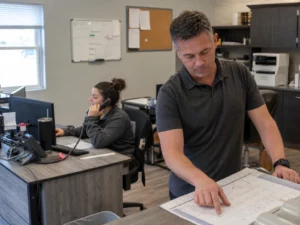

For most small service companies, the virtual receptionist vs in house receptionist choice comes down to where the work happens and when calls arrive. A virtual team often fits changing call volume, field crews, and after-hours calls. An employee fits a busy office that needs someone on site to greet people, manage paperwork, and handle daily office work.

Start with the work your front desk must do
A receptionist does more than pick up the phone. The U.S. Bureau of Labor Statistics lists common tasks such as answering calls, scheduling and confirming appointments, keeping calendars, greeting visitors, entering customer details, and handling correspondence.
That list gives you a practical way to decide. Mark each task as either phone work, office work, or both. Then ask who needs to do it and where they need to be.
Choose a virtual receptionist when phone coverage is the main gap
A virtual receptionist works away from your office and handles calls using the information, call flow, and instructions you provide. This setup can suit a plumber, electrician, HVAC company, locksmith, garage door company, or appliance repair business when technicians spend their day on jobs rather than at a desk.
It may be a good fit if your business needs someone to do these tasks.
- Answer new customer calls while staff are driving or working inside a home
- Take a message with the customer name, address, problem, and preferred callback time
- Send urgent job details to the right person
- Book appointments based on rules you set
- Handle calls outside your normal office hours
- Speak with customers in more than one language when that service is available
The key limit is physical work. A remote caller cannot accept a package, greet a walk-in customer, sort mail, print a permit packet, or check a part on a shelf. If those jobs fill much of each day, phone coverage alone won’t solve the whole front-desk need.
Choose an in-house receptionist when the office needs a person there
An in-house receptionist is your employee who works at your location. This can make sense when customers regularly arrive at the office, when several people need help during the day, or when office work changes too often for a call script to keep up.
An employee may also learn your team’s habits, local service area, job types, and internal systems over time. That familiarity can be useful when a caller needs an answer that depends on live office activity. Think about a customer asking whether a part arrived, whether a technician has returned, or whether a quote is ready for pickup.
Before hiring, write down all non-phone duties you expect. If the list is short, a full-time desk role may leave unused time. If the list is long and changes throughout the day, that points toward an on-site employee.
Compare virtual receptionist vs in house receptionist by real operating needs
| Business need | Likely better starting point | What to check before deciding |
|---|---|---|
| Calls arrive at night, on weekends, or while crews are on jobs | Virtual receptionist | Confirm the coverage schedule and how urgent calls are sent to your team |
| Customers visit the office or showroom | In-house receptionist | List the in-person tasks that require a staff member at the desk |
| Call volume rises and falls by season or weather | Virtual receptionist | Ask how coverage changes when call volume rises |
| Office staff need daily support with files, mail, supplies, and paperwork | In-house receptionist | Estimate how many hours these tasks take each week |
| You need daytime office help but don’t want after-hours calls to ring to technicians | Hybrid setup | Set a clear handoff time and separate day and after-hours instructions |
Look beyond hourly pay when you compare costs
The BLS reports a national median wage of $17.90 per hour for receptionists in May 2024. That figure is a wage benchmark, not a quote for hiring someone in your area and not the full cost of an employee.
Your actual in-house cost may also include paid time off, payroll taxes, benefits if offered, training time, software access, workspace, equipment, and coverage when the employee is out. Your schedule matters too. If you need coverage before opening, after closing, on holidays, or during sick days, decide who takes those calls.
For a virtual service, ask for the billing rules in writing. Find out what counts as a handled call, whether appointment scheduling has a separate charge, whether message delivery is included, and what happens during heavy call periods. Compare the expected monthly service bill with the whole employment plan, not only an hourly wage.
We Answer says it offers live virtual, after-hours, bilingual, and appointment-scheduling services. The company also says customers can use custom scripts, a dashboard, call recordings, and email or SMS follow-up. Ask any provider to show how its current plan handles the tasks your office needs.
Test the call handoff before customers depend on it
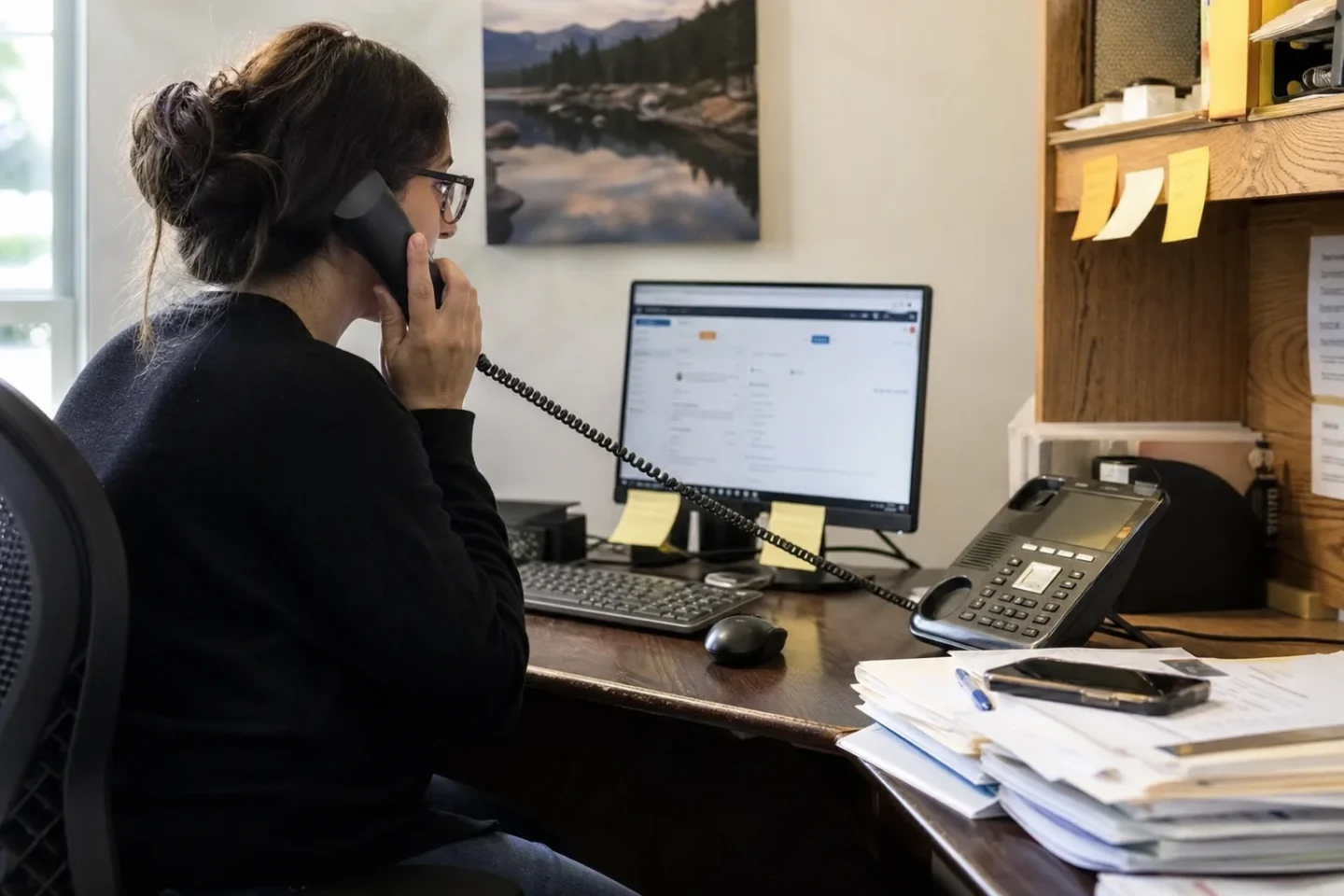
A missed detail can turn a good call into a wasted trip. Whether you hire an employee or use a virtual team, build a short intake form for every new job. Keep it simple enough that it can be completed while the caller is speaking.
Put these details in your call instructions
- Customer name, callback number, service address, and type of problem
- Your service area and jobs you don’t take
- Business hours and after-hours rules
- What counts as urgent and who receives those messages
- Appointment windows that can be offered without checking with a technician
- Questions the receptionist should never answer without approval
- How to handle price requests, coupons, warranties, and payment questions
Run a few test calls before going live. Call as a new customer, a repeat customer, and someone with an urgent problem. Check whether the person answering asks for the right facts, follows your instructions, and sends the message where you expect. Update the script when your hours, promotions, staff, or service area changes.
Use a hybrid model when each option solves part of the problem
You don’t have to treat this as a permanent either-or choice. A small company may keep an office receptionist during the busiest daytime hours and use a virtual receptionist for lunch breaks, overflow calls, evenings, weekends, and staff absences.
This setup works only when callers get a consistent experience. Use the same business name, service rules, appointment choices, and message format. Name one person who owns the instructions. If five people send different rules to the answering team, customers may receive mixed information.
Set one review time each week for the first month. Read messages, listen to any available recordings, and check whether customers received callbacks. Look for wrong addresses, incomplete job details, appointments that didn’t fit the schedule, and calls that went to the wrong person. Fix the process behind the error rather than blaming the caller or receptionist.
Make the decision with a short scorecard
Give each statement one point when it is true for your business.
- Calls often come in when nobody is at the office
- Your technicians can’t safely or reliably answer while working
- Call volume changes a lot from week to week or season to season
- You need someone to greet walk-in customers every business day
- Your office has daily paperwork and physical tasks that need an owner
- Your calls often require live knowledge of inventory, crews, or office activity
More points in the first three statements suggest you should price virtual coverage first. More points in the next three suggest you should plan for an in-house receptionist. An even result often points to a hybrid schedule. Use the scorecard as a starting point, then test it against your actual call log for two to four weeks.
When phone coverage is your main need, review Answering Services and prepare your call rules before you compare providers.
Questions small service companies often ask
Can a virtual receptionist schedule jobs without access to our full calendar?
Yes, if you give clear appointment windows and booking rules. You can reserve certain times for new customers, leave room for urgent work, or have the receptionist collect details for a dispatcher to confirm. Don’t allow open booking until you know the calendar rules prevent double booking.
What should we do when a caller has an emergency?
Write a separate emergency script. It should identify which calls need a technician alert and which calls require public emergency help. If someone is trapped, there is a fire, or there is smoke, the caller should call 911 first. Don’t ask a receptionist to judge safety issues without clear instructions.
Does using an outside answering provider change worker classification?
It depends on the work arrangement. The Internal Revenue Service says worker status depends on behavioral control, financial control, and the relationship of the parties. A contract label alone doesn’t decide it. Ask a qualified tax or employment professional about a specific hiring arrangement.
How can we protect customer information during call handling?
Ask where messages and recordings are stored, who can access them, how users are removed when staff leave, and how long records are kept. Share only the customer and business information needed to take the call. Give the answering team a process for callers who want to discuss account details or payment information.
For live phone coverage, appointment scheduling, after-hours handling, or bilingual call support, contact We Answer and ask about a call flow built around your business hours and job intake rules. We Answer has not provided a phone number in the information available here, so use its contact option to take the next step.