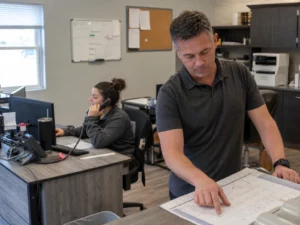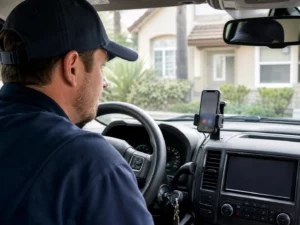
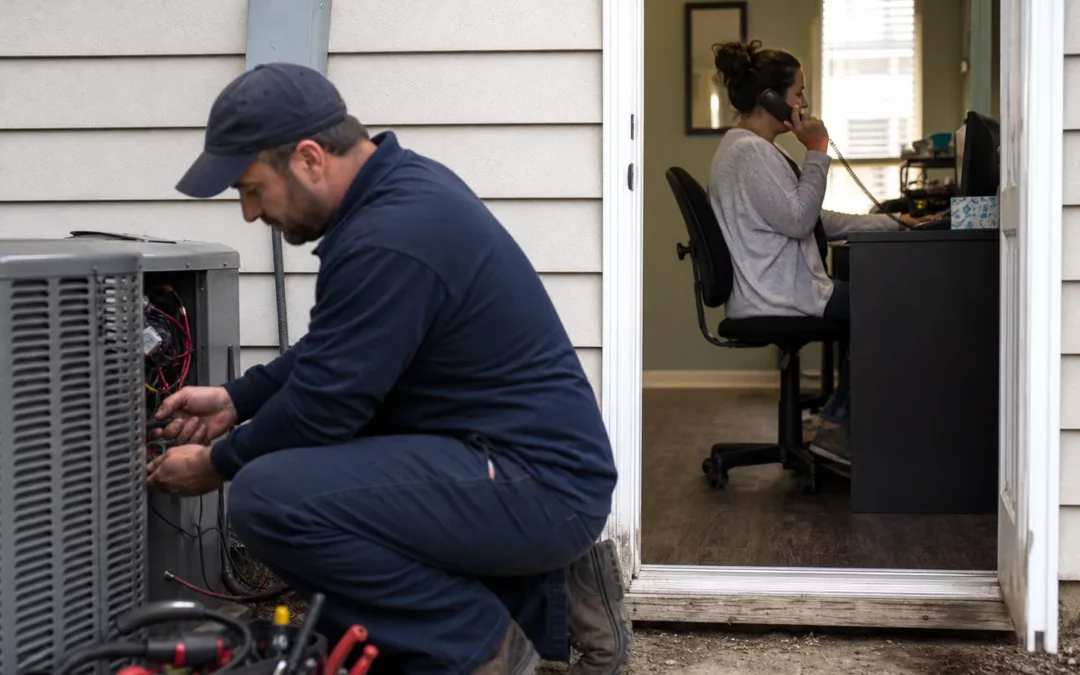
To answer calls while technicians are busy, send calls to a trained person who can follow a simple intake script, decide whether the call is urgent, and send the details to the right team member. Technicians can stay focused on driving and work at the property, while every caller gets a clear next step instead of an unanswered line.
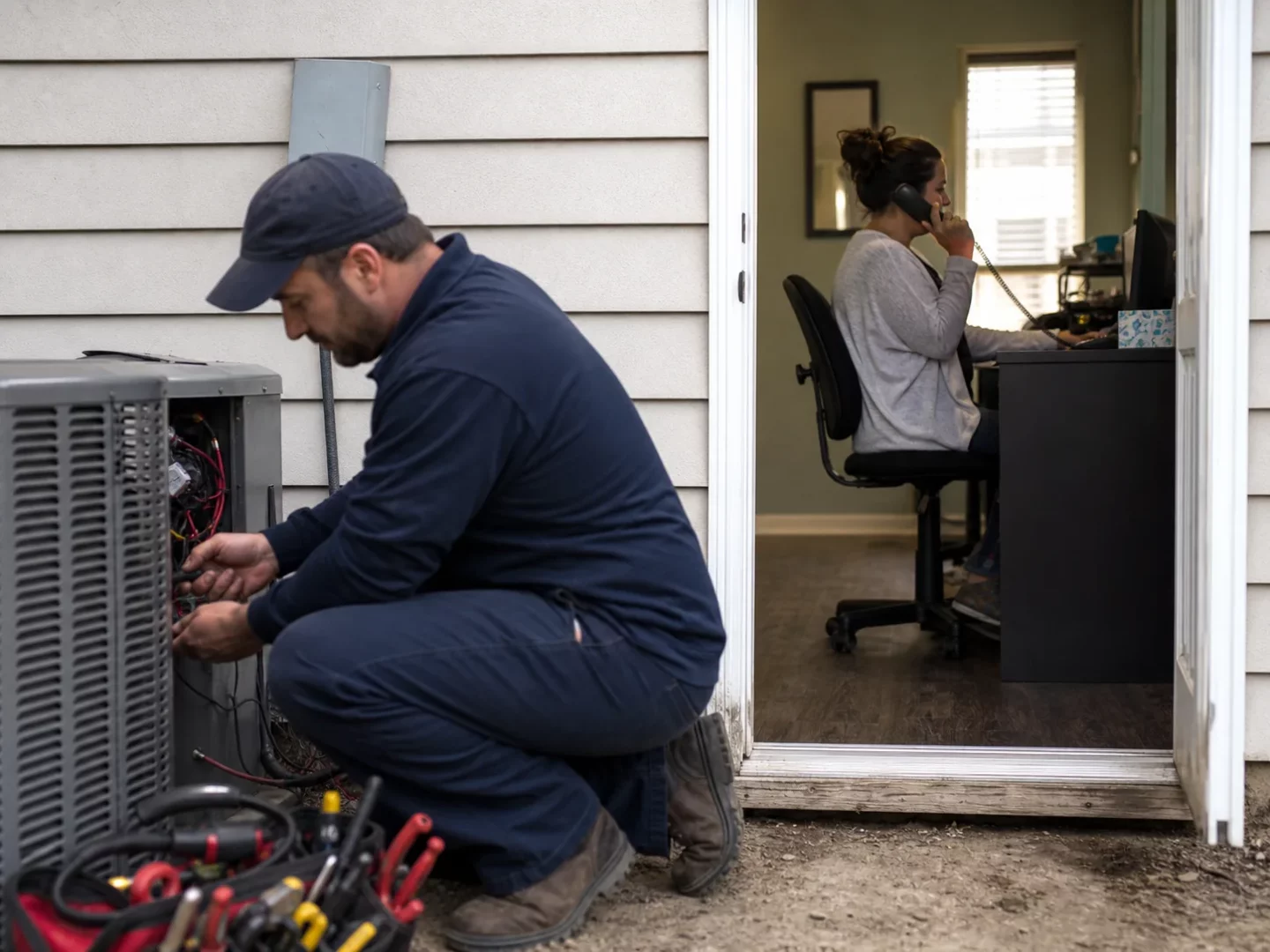
Separate phone coverage from field work
A technician’s phone can ring at the worst times. They may be driving between homes, working with tools, speaking with a customer, or dealing with a service problem that needs full attention. Asking them to answer every new call can slow the job and create a poor experience for the caller already on site.
The practical fix is to give incoming calls a different path during work hours. That path may lead to an office coordinator, a dispatcher, or a live answering team. The person handling the call does not need to diagnose the problem or promise a repair. Their job is to listen, collect the right facts, and move the call forward.
Choose the coverage model that fits the number of calls and the people available.
- Office coverage works when a team member can reliably answer without losing track of dispatch, billing, or customer updates.
- Rotating coverage lets designated staff take turns watching the phone. It needs a posted schedule so calls are never left in doubt.
- Live answering coverage can take calls when office staff are away, busy, or off duty. A service should use your business instructions and send each message to the agreed contact.
- Voicemail with a callback task can help during a short overflow. It should be a backup plan, since callers may hang up rather than leave details.
For a contractor with crews moving around the service area, the main goal is consistency. A caller should reach the business, not a technician’s personal voicemail.
Build a call script that gets the facts your team needs
Call coverage works best when the person answering has clear questions and clear limits. A loose request such as “take a message” often leaves out the address, the problem, or the best time to call back. That creates another round of phone tag.
Put a short script in writing. Keep it easy enough for someone to use during a busy morning.
Start with the caller and the property
- Caller name
- Callback number and a second number if the caller offers one
- Service address
- Whether the caller owns the property, rents it, or manages it
- Best way and time to reach them
Ask what happened without trying to diagnose it
- What service do they need
- When did the problem begin
- Whether service has stopped or the issue is getting worse
- Any details that affect access, such as a gate code, parking limits, or a tenant who must be present
- Whether they are asking for a new appointment, an update, or a return visit
Use the caller’s own words in the message. If someone says their garage door will not close, record that rather than guessing at the cause. Your technician can assess the issue later.
For scheduled work, confirm the basics before ending the call. ServiceTitan’s appointment confirmation guidance lists customer name, address, contact number, appointment date, and arrival window as useful details. Your calendar or field-service system may use a different process, yet the same basic facts prevent many avoidable scheduling errors.

Set urgent-call rules before the phone rings
The person answering needs to know which calls get sent right away and which can wait for normal scheduling. Do not leave that choice to guesswork. Write down your rules, review them with every person who answers, and update them when your hours or services change.
Your rules can sort calls into three groups.
| Call type | What the call handler does | What happens next |
|---|---|---|
| Immediate safety risk | Tell the caller to call 911 first when there is a fire, smoke, or a person trapped. | Take a message only after the caller has been directed to emergency help. |
| Urgent service request | Gather the address, callback number, and a plain description of the problem. | Send the ticket to the on-call contact through the approved channel. |
| Routine request | Collect the full intake details and offer the approved appointment options. | Book the appointment or send it to the scheduling queue. |
Be precise about what counts as urgent for your business. A plumbing company, locksmith, electrician, and HVAC company may each use different rules. The call handler should never promise a technician arrival time unless your business has authorized that exact information.
Also decide who owns each kind of follow-up. Name a primary contact and a backup. If a ticket goes only to a technician who is on a roof, in a crawl space, or driving, the message may sit unseen. A dispatcher or office lead can watch for unconfirmed urgent tickets and contact the caller if needed.
Choose how job details reach the right person
Fast, clear handoff matters more than a complicated phone setup. Pick channels that your team already checks during the day. A new-service ticket may go by SMS, email, WhatsApp, or more than one of those options. Keep the method the same for each call type so people know where to look.
WeAnswer states that its answering team can follow business instructions, capture caller details, and send updates by phone, text, or email. Its Answering Services options include live, after-hours, bilingual, virtual receptionist, and appointment scheduling support.
Keep every ticket short but complete. A good handoff has the caller’s name, phone number, address, service request, urgency level, requested time, and any access note. Add the time of the call and the name of the person who took it if your team needs to check a detail later.
Make ticket receipt visible
Sending a ticket is only the first half of the handoff. Decide how the receiver confirms they saw it. That may be a reply in a group message, a status change in your job system, or a quick note to the dispatcher. Use one method. A mix of calls, texts, and memory invites missed work.
Give the call handler a fallback contact for urgent tickets that have not been confirmed. This is especially useful during lunch, after hours, and days with heavy weather-related demand. The fallback process should say who to contact next, not ask the call handler to keep guessing.
Keep your calendar and customer updates connected
A caller who reaches a person still needs a useful answer. If your call coverage team can see approved appointment openings, they can offer times without asking a technician to stop working. If they cannot see the calendar, they can state when the scheduling team will follow up and record the caller’s preferred time.
Set boundaries around calendar access. The person answering should know which appointment types they can book, which service areas you cover, and which requests need office approval. They should also know what they cannot promise, such as a same-day visit, a repair outcome, or a quoted price.
After an appointment is set, send the customer a confirmation through your normal process. Confirming the address, contact number, date, and arrival window gives the customer a chance to catch an error before the crew drives out. If the appointment changes, make sure the calendar and the call script reflect the new information.
Test the plan during a normal workday
Do not wait for the busiest day of the year to find gaps. Place a test call from outside the office. Call during a technician’s active job, during a break, and after your standard office hours. Listen for whether the greeting identifies the business, whether the intake questions are complete, and whether the ticket reaches the right person.
Review a small set of real call records with your team each week. Look for missing addresses, unclear urgency labels, duplicate appointments, or messages sent to the wrong person. Then change the script or routing rule that caused the problem. A short review keeps the system useful when staff, schedules, and service offerings change.
Protect customer information during the review. Limit recordings and call notes to people who need them for scheduling, service, or quality checks. Check the call-recording and texting rules that apply where your business operates before recording calls or sending sensitive details by text.
Questions home-service teams often ask
Should technicians forward every call while they are driving?
They should not need to take business calls while driving. Set the business line to ring the coverage person or service during driving windows. Let technicians check assigned tickets only when they are safely parked and able to respond.
What should a live receptionist say if a caller asks for a price?
Give the receptionist approved wording that does not guess. They can explain that the team will review the request and follow up, or offer an approved booking option. If your company has authorized pricing information, put the exact wording in the script and keep it current.
Can call coverage handle callers who speak Spanish?
It can when the coverage provider or staff member has bilingual support. Decide which languages you need, give the team translated greetings and service terms, and make sure appointment confirmations match the caller’s preferred language when your process allows it.
What if the office closes early or a technician calls out?
Update the call instructions that day. Tell the call handler which appointments can still be booked, who is on call, and what message to give customers about delays. A current daily notice is more useful than a script that reflects last week’s schedule.
We Answer provides call coverage for home-service businesses with live receptionists, after-hours support, bilingual service, and appointment scheduling. Contact We Answer to discuss the call instructions, routing, and notification plan that fits your team.